Send Bulk WhatsApp Messages to Customers Instantly
Our Bulk WhatsApp Sender helps businesses send messages to thousands of customers quickly and easily. With our powerful WhatsApp bulk messaging software, you can promote products, send updates, reminders, and marketing campaigns directly to your audience. The platform is designed for businesses that want fast and reliable communication. You can import contacts, create personalized messages, and send bulk WhatsApp messages in just a few clicks. Our Bulk WhatsApp Sender saves time, improves customer engagement, and helps grow your business with effective WhatsApp marketing.

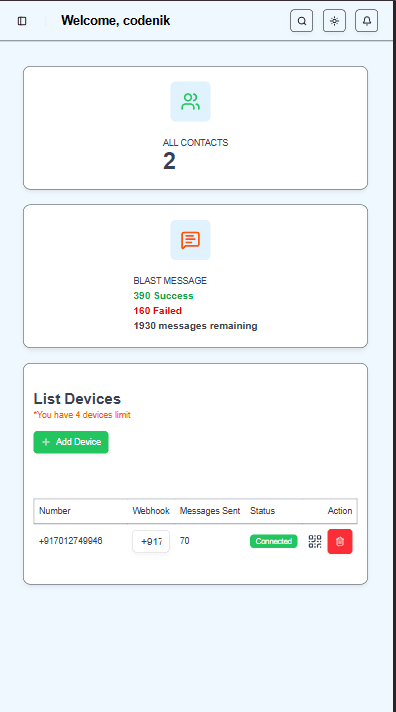
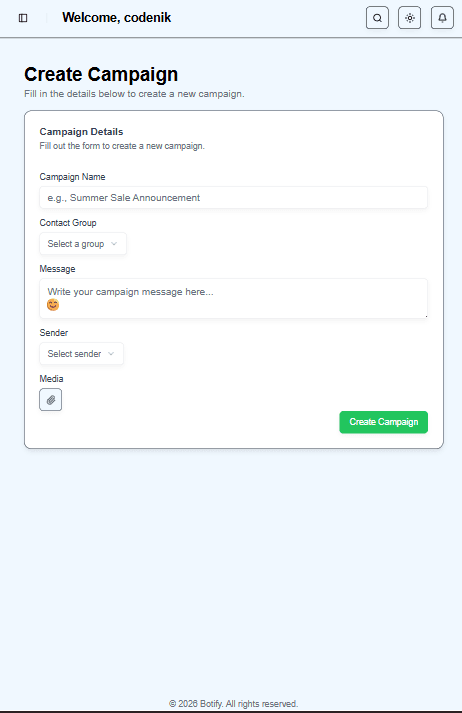
Why Botify
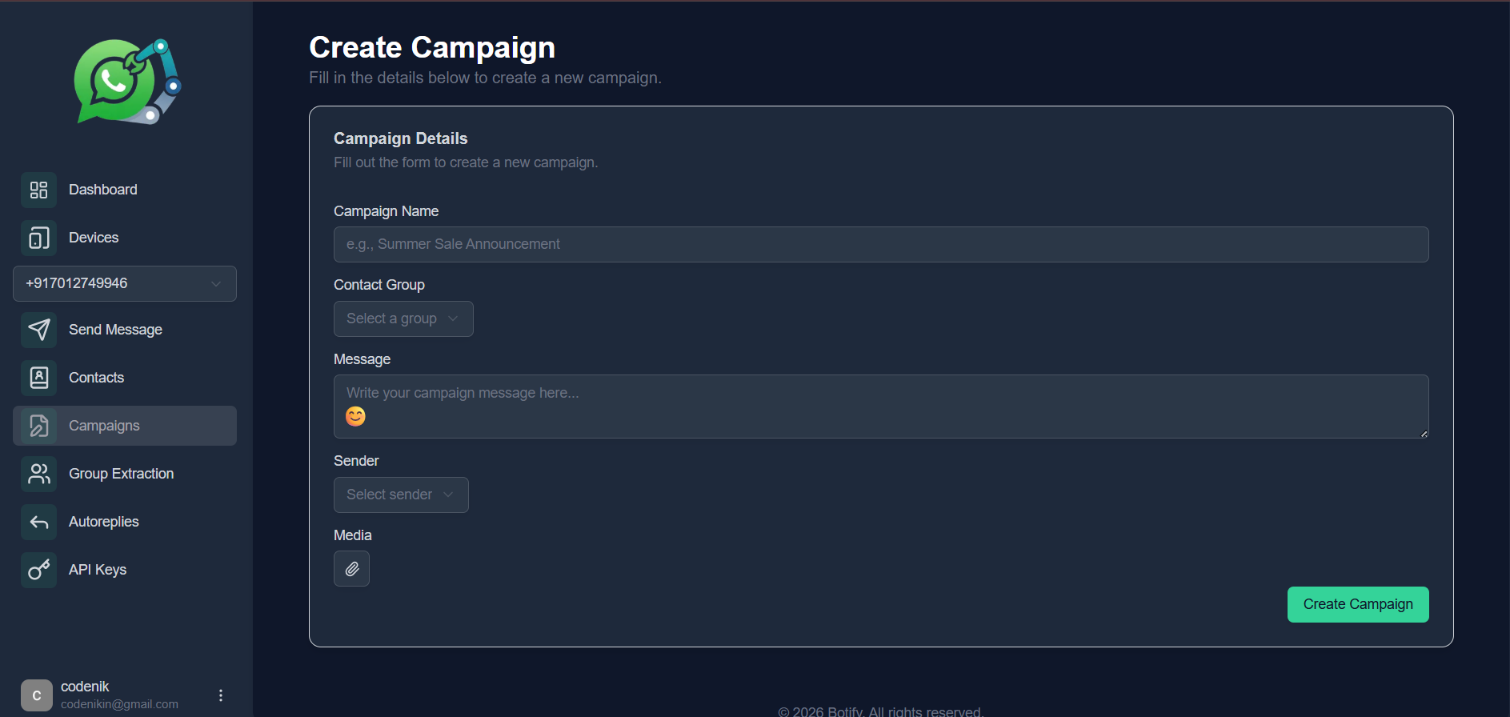
All-in-One WhatsApp API Dashboard for Bulk Messaging & Automation
Manage all your WhatsApp communications from a single dashboard. Send bulk messages, automate replies, integrate WhatsApp API, and engage your customers efficiently.





Reseller Program
Start Your Own WhatsApp Marketing Business
Are you looking to start a profitable digital business with a small investment? Join our WhatsApp Bulk Sender Reseller Program and launch your own branded WhatsApp marketing platform. We provide a complete white-label WhatsApp bulk messaging software that you can sell to your clients under your own brand name.
- Full source code installation on your server
- White-label solution with your brand name
- Powerful WhatsApp bulk messaging platform

Our Working Process
Sign Up for Our Service
Create your account by registering with our platform. Once you sign up, your request will be submitted to our team for verification and setup
Wait for WhatsApp Confirmation
After registration, our team will review your request and send you a confirmation message via WhatsApp. This confirms that your account is approved and ready to be activated.
Create User & Add Your WhatsApp Number
Once confirmed, log in to your dashboard, create your user profile, and connect the WhatsApp number you want to use for sending messages.
Start Sending Messages
After setup is complete, you can begin sending messages directly through the system and manage your campaigns easily.
Pricing
Pricing that grows with you
Choose an affordable plan that’s packed with the best features for engaging your audience, creating customer loyalty, and driving sales.
Free Forever
The essentials to provide your best work for clients.
₹0.00/month
Buy plan- Cloud based system
- Up to 100 messages
- One account
- Free Api
- Free support
Basic
The essentials to provide your best work for clients.
₹150/month
Buy plan- Cloud based system
- Up to 2,000 messages
- Multiple accounts
- Free Api
- Free support
- 48-hour support response time
Pro
A plan that scales with your rapidly growing business.
₹250/month
Buy plan- Cloud based system
- Unlimited messages
- Unlimited accounts
- 24-hour support response time
- Free support
Reseller
White-Labelled Bulk WhatsApp System
₹5000/one-time
Buy plan- One-time payment
- Full source code provided
- Installation support included
- Lifetime updates
- Client must provide their own server
- Free technical support
Frequently Asked Questions
Most users can create an account, import contacts, and launch their first campaign in under 15 minutes.
Yes. You can use dynamic fields like name, city, or order ID to personalize each message at send time.
Absolutely. You can schedule one-time campaigns or set recurring sends based on your preferred timezone.
Yes, a powerful WhatsApp API can be integrated with third-party applications such as CRM systems, e-commerce platforms, marketing tools, and custom software to automate communication and manage customer interactions efficiently.
A trial plan is available so you can validate setup, test message quality, and review reporting before upgrading.
